Pinterest Video Downloader
Save any public Pinterest video as an MP4 in the best quality available — free, with no watermark and no account.
- 100% free
- No signup
- No watermark
- Unlimited downloads
Works with public pins only. Only download content you own or have permission to use.
What is a Pinterest video downloader?
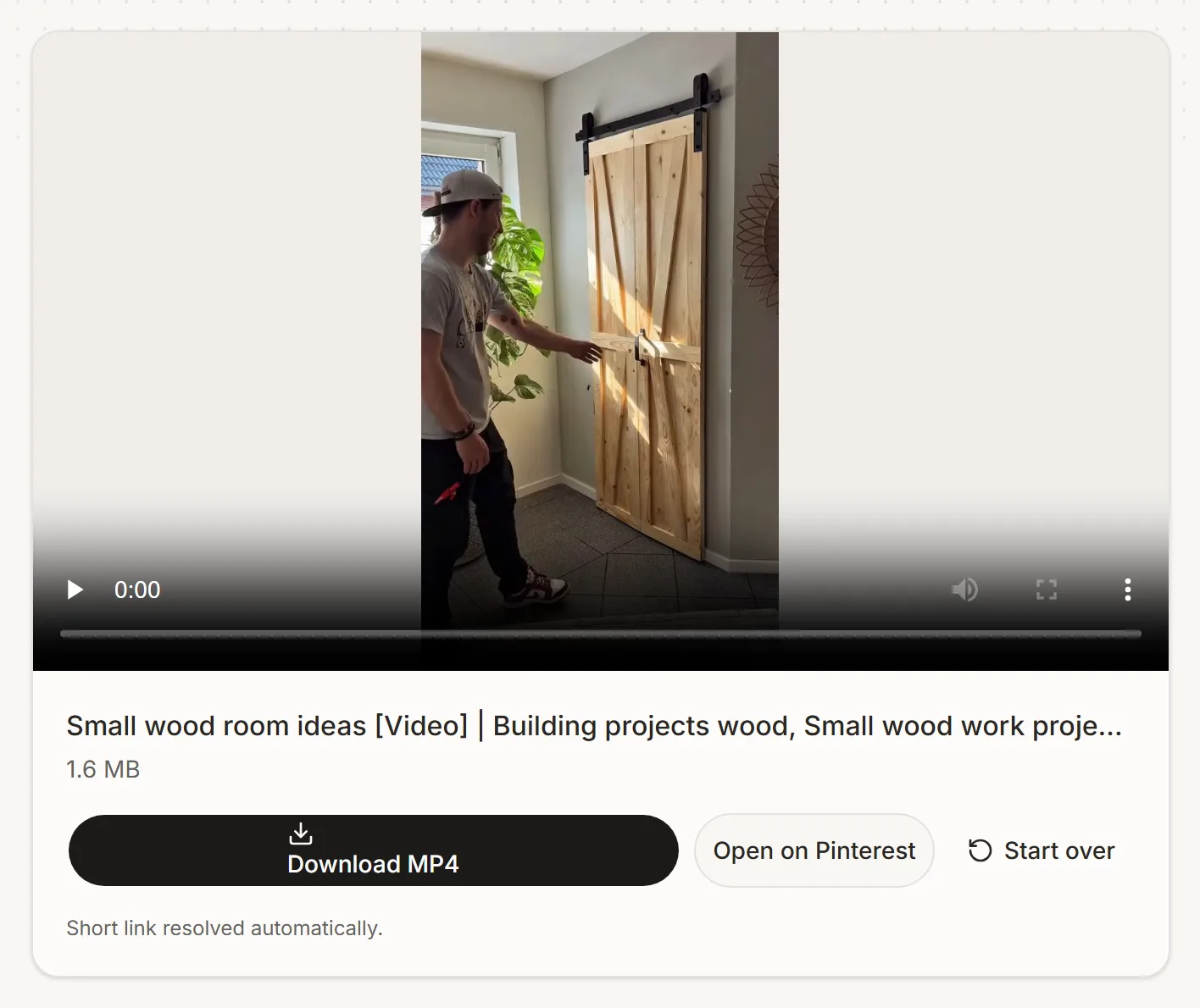
Pinterest never added a native way to save video pins, so a downloader fills that gap: paste a public pin URL and it returns the highest-quality MP4 file Pinterest stores, ready to keep offline.
Most people use it to keep recipe walkthroughs, DIY tutorials and workout routines for offline viewing, or to archive their own uploads. The file is delivered at the highest quality Pinterest exposes for it — no watermark, no re-encoding.
Download Pinterest videos on any device
iPhone and iPad
Copy the pin link in Safari or the Pinterest app, paste it above and tap Download MP4. The video lands in your Files app.
Android
Share the pin to copy its link, paste it here and download. Files save to your Downloads folder or gallery depending on your browser.
Windows and Mac
Copy the URL from the address bar or right-click Copy link address, then download the MP4 in one click.
Supported formats and quality
Standard video pins are delivered as progressive MP4, the format every device and editor accepts. Idea pins and longer clips are sometimes only available as HLS streams — for those we merge the stream and deliver a playable .ts file. Quality is whatever Pinterest has stored, typically 480p to 1080p.
Pinterest Downloader — No App Needed
PinSave works right in your browser — no app or APK install needed. Bookmark the page and use it like a native app on iPhone, Android, and desktop.
Why use this downloader
Built to do one job properly, without the usual downloader-site baggage.
No watermark, ever
Nothing is stamped, cropped or re-encoded — you get the highest-quality file Pinterest exposes for the pin.
pin.it short links work
Paste the short link straight from the Pinterest app — we expand it for you instead of asking you to convert it first.
Best available quality
Every rendition Pinterest exposes is compared and the highest-resolution progressive MP4 is picked automatically. When only an HLS stream is available, we merge it into a playable file.
Nothing to install
Runs in any modern browser on iPhone, Android, Windows and macOS. No extension, no APK, no desktop app.
Multi-region support
Works with pinterest.com, pinterest.co.uk, pinterest.de and other regional Pinterest domains.
Nothing stored
Video bytes pass through and are not retained. No account is required and no download history is kept.
How it works
Three steps, and no account or app install. Everything runs in your browser.
01
Copy the pin link
Open the video on Pinterest, tap Share, then Copy link. Full pinterest.com links and short pin.it links both work.
02
Paste and resolve
We read the pin’s public data server-side and pick the best video source Pinterest exposes — usually 720p or 1080p.
03
Save the MP4
Hit Download MP4. The file is streamed straight to your device at its highest available quality, with no re-encoding and no watermark added.
What you can pull from each kind of pin
Pinterest serves a different file per media type. Here is what each one gives you.
| Type | What you get | Notes |
|---|---|---|
| Standard video pin | MP4 with audio | The largest tier Pinterest serves |
| Animated / GIF pin | Looping MP4 | Pinterest stores GIFs as MP4, not GIF |
| Idea Pin | MP4 of each slide it exposes | Some slides may be image-only |
| Reels / short video | Vertical MP4 with audio | Same as the video downloader |
| Image pin | A still JPG | Use the photo downloader instead |
Frequently asked questions
Everything people usually ask before saving their first pin.
Related reading
More on this topic from our blog.
PinSave is an independent tool and is not affiliated with, endorsed by, or sponsored by Pinterest. You are responsible for downloading only content you own or have permission to use, and for complying with applicable terms and law.