Pinterest Reels Downloader
Save a Pinterest Reel as a vertical MP4 with its audio intact. Paste the link, preview the pin, download the file Pinterest serves — no login, no app.
- 100% free
- No signup
- No watermark
- Unlimited downloads
Works with public pins only. Only download content you own or have permission to use.
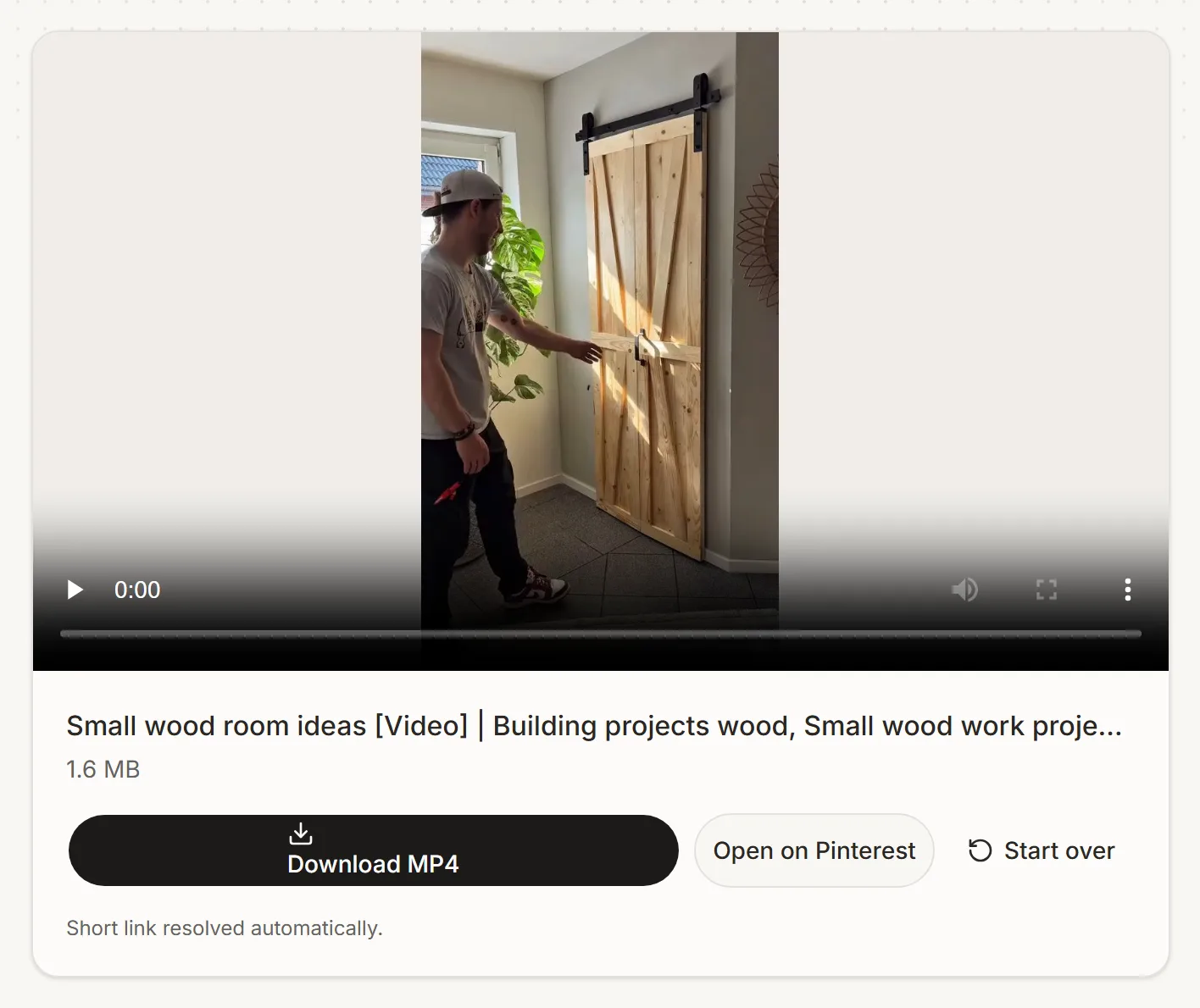
What makes a Reel different from a normal pin
A Pinterest Reel is a single vertical video clip, usually under a minute, with an audio track. For downloading it behaves like any other public pin: Pinterest serves the MP4 and we hand it to you unchanged. What you get is the vertical file with its sound, at whatever resolution Pinterest holds — often 720p or 1080p. Nothing is cropped, letterboxed or re-encoded.
If the Reel was uploaded vertically at 1080x1920, that is what you get. We never upscale or pad a video to claim a higher resolution than Pinterest actually holds.
What a Pinterest Reel file actually contains
A Reel is a single vertical clip. Here is what the file Pinterest serves holds — and what it does not.
Container: MP4 (H.264)
- The same container every phone, laptop and TV plays without extra software. Nothing has to be installed to watch it.
Audio: bundled AAC track
- The sound lives inside the file rather than in a separate download, so it plays offline and imports cleanly into any editor.
Aspect ratio: 9:16
- Reels are shot vertical. We never crop, rotate or letterbox, so the file keeps the orientation it was uploaded in.
Resolution
- Often 540p or 720p, and 1080p when the uploader published it that way. Pinterest stores a few renditions; we take the largest.
Duration
- Short by definition, usually under a minute. There is no length cap on our side — the whole clip comes back, uncut.
The cover frame
- Pinterest generates a still cover for every Reel and stores it as its own image. The thumbnail page fetches that file.
Reels that will not download
Most failures come down to one of these four, and none of them can be fixed by trying a different tool.
The Reel sits on a secret board or was set private — a signed-out visitor never sees it, so there is nothing to resolve.
The Reel was deleted after you saved the link. The URL now returns a “pin not found” page, and the tool says so explicitly.
The account is age-restricted or region-locked, so Pinterest withholds the media outside its own app.
The clip is a slideshow-style pin rather than a Reel, so it resolves as an Idea Pin and follows those rules instead.
Which tool for which Pinterest pin
Every Pinterest pin type resolves to a different file. Find your pin type below to see what a download returns.
| Pin type | Best for | What you get |
|---|---|---|
| Video pin | Any standard video pin | MP4, in every quality Pinterest serves |
| Image pin | Photos, infographics, quotes | The largest JPG or PNG Pinterest serves |
| Animated pin | Looping animations | Looping MP4 — Pinterest stores GIFs as MP4 |
| Reel / short video | Single vertical clips | Vertical MP4 with audio |
| Idea Pin | Multi-slide story pins | The slides Pinterest exposes publicly |
| Story pin | Legacy name for Idea Pins | Same as Idea Pins |
| Thumbnail | Cover image of a video pin | JPG cover image |
How it works
Three steps, and no account or app install. Everything runs in your browser.
01
Copy the pin link
Open the video on Pinterest, tap Share, then Copy link. Full pinterest.com links and short pin.it links both work.
02
Paste and resolve
We read the pin’s public data server-side and pick the best video source Pinterest exposes — usually 720p or 1080p.
03
Save the MP4
Hit Download MP4. The file is streamed straight to your device at its highest available quality, with no re-encoding and no watermark added.
When to save a Reel, and when not to
Downloading a Reel is straightforward — deciding whether you actually want the file is the step people skip. Six situations where it helps, and one where it does not.
Offline viewing on a flight or a commute — the saved MP4 plays with no signal and without opening the Pinterest app.
Reposting your own Reel to TikTok or YouTube Shorts — you need the vertical MP4 with its audio, which is exactly what this returns.
Sending it to a video editor or a client — H.264 MP4 is what every editing tool imports directly, with the sound already in sync.
Building a swipe file of hooks and edits — keeping the vertical file is what lets you compare pacing and openings side by side later.
Reposting someone else’s Reel as your own — the download works, but the copyright stays with the creator. Whether you may reuse it is a separate question from whether the file saves.
For a Reel the sound matters as much as the picture. The MP4 keeps the audio muxed in, so you never have to re-attach it afterwards.
If you only need one frame from the Reel, the thumbnail page gives you that still without downloading the whole clip.
Frequently asked questions
Everything people usually ask before saving their first pin.
Related reading
More on this topic from our blog.
PinSave is an independent tool and is not affiliated with, endorsed by, or sponsored by Pinterest. You are responsible for downloading only content you own or have permission to use, and for complying with applicable terms and law.