Pinterest HD Downloader
Pinterest decides how large a file you can get. This page explains where that ceiling is — and gets you the best version of any pin that exists.
- 100% free
- No signup
- No watermark
- Unlimited downloads
Works with public pins only. Only download content you own or have permission to use.
What “HD” actually means on Pinterest
A pin is only ever as sharp as the file the uploader gave Pinterest. Pinterest stores several sizes of each image and a handful of video renditions, and it exposes a subset of those to a download tool. So “HD” here is not a setting we apply — it is the largest rendition Pinterest will hand over for that specific pin. When the uploader published a 1080p video, you get 1080p. When they published a 540p one, 540p is the ceiling, and no downloader can invent the missing pixels.
What you can expect, by pin type
The honest table. These are the resolutions Pinterest serves, not the ones we wish it served.
Video pins
- Usually 540p or 720p, and 1080p when the uploader published it that way. We take the largest rendition in the pin’s own video list.
Images
- Not limited to the size the page shows. The same asset is requested from Pinterest’s CDN at its original size, so a pin whose page displays a 564px thumbnail can still arrive at full resolution.
Idea Pins
- Each slide is downloaded at the size Pinterest serves for it, and the cover frame is available separately as a still image.
Reels
- Vertical MP4 with audio, at whatever resolution Pinterest holds for that Reel.
4K
- Rare. Pinterest serves 4K only when the source itself was uploaded in 4K, which is uncommon for pins.
Why not every pin has HD or 4K
Three reasons, all on Pinterest’s side: the uploader never had a large file to begin with; the pin is a re-saved copy, and re-saving can recompress it; or the pin type simply does not carry a large rendition — a short animation, for instance. Our resolver reads every rendition Pinterest lists and keeps the largest, but if only one small rendition exists, that is what every tool will get.
How to download in the highest quality
Pinterest decides how large a file you can get. This page explains where that ceiling is — and gets you the best version of any pin that exists.
- 1
Copy the pin link
Use Share → Copy link on the pin, or copy the address from the browser. A pin.it short link works too.
- 2
Paste it into the box
The resolver reads every rendition Pinterest publishes for that pin and ranks them by size.
- 3
Download the top-ranked file
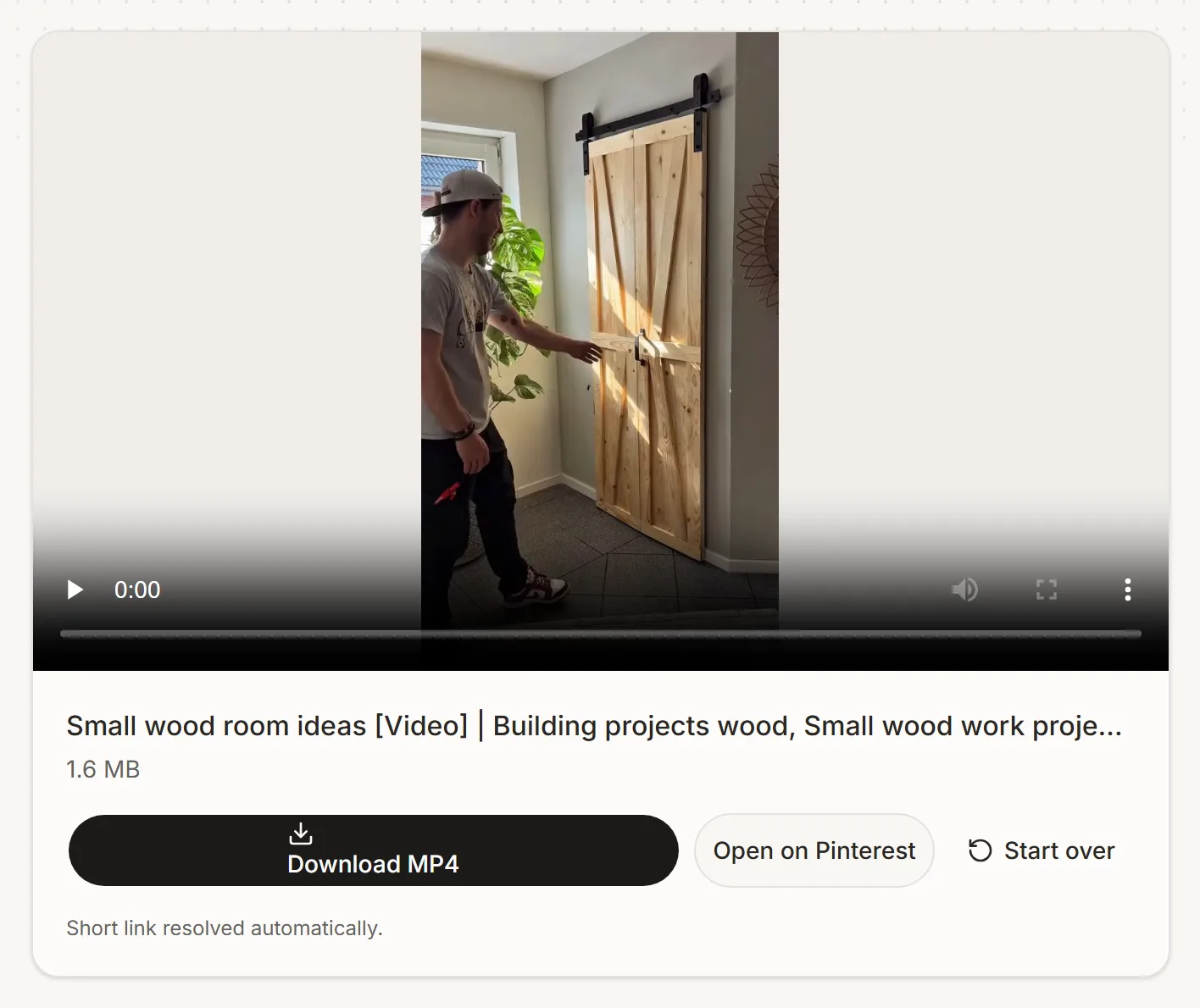
The result card shows the pixel dimensions and the file size, so you can see the quality before you save it.
Frequently asked questions
Everything people usually ask before saving their first pin.
Related reading
More on this topic from our blog.
PinSave is an independent tool and is not affiliated with, endorsed by, or sponsored by Pinterest. You are responsible for downloading only content you own or have permission to use, and for complying with applicable terms and law.